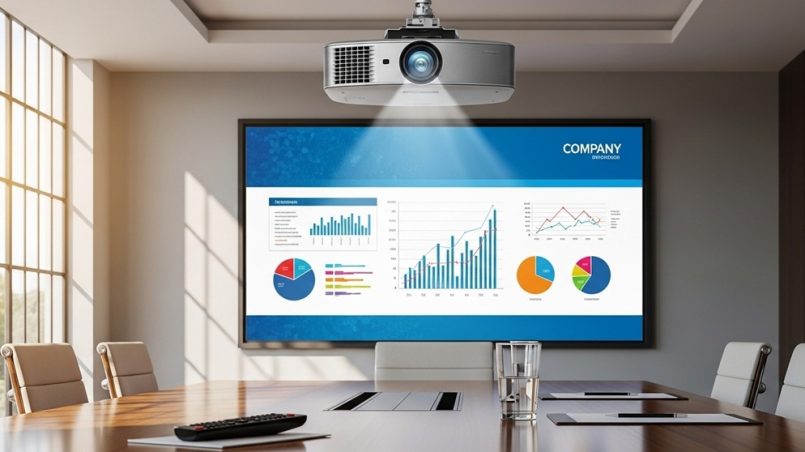
Choosing the right projector can determine whether your presentation engages the room or loses attention within minutes. In modern workplaces, visual communication is critical. Teams rely on office presentation tools such as projectors, collaboration software, and digital whiteboards to explain ideas clearly and make faster decisions.
A projector designed for business use allows teams to display slides, spreadsheets, charts, and videos on a large screen so everyone in the room can follow along. A proper business projector setup improves visibility, reduces meeting friction, and ensures that presentations look professional.
However, many companies purchase projectors based on price alone. The result is often poor brightness, blurry text, or connectivity problems during meetings.
Problem: Teams struggle with unreadable slides, washed-out images in bright rooms, and frequent technical issues.
Agitation: According to workplace collaboration studies, employees spend roughly 31 hours per month in meetings. If presentation technology fails, productivity and engagement drop significantly.
Solution: Selecting the right projector—based on brightness, resolution, connectivity, and room size—ensures smooth presentations and better team collaboration.
This guide explains how to select the best projector for office presentations using practical criteria, real-world use cases, and clear recommendations.
What Features Should You Look for in an Office Presentation Projector?
Short answer: The most important features are brightness, resolution, connectivity options, portability, and ease of setup.
Many buyers focus only on price. However, a projector that costs less initially may create problems during daily meetings.
1. Brightness (Lumens)
Brightness determines how visible the projection is in a room with lights on. Office environments rarely operate in complete darkness, so brightness is critical.
- 2,000–3,000 lumens: Small meeting rooms
- 3,000–4,000 lumens: Standard conference rooms
- 4,000+ lumens: Large boardrooms or bright spaces
Most modern business projector setups require at least 3,000 lumens to ensure slides remain visible.
2. Resolution
Resolution determines how sharp text and graphics appear.
| Resolution | Best Use Case |
|---|---|
| XGA (1024×768) | Basic presentations |
| Full HD (1920×1080) | Business slides, charts, and video |
| 4K | Large conference rooms and detailed visuals |
For most offices, Full HD projectors provide the best balance between cost and image clarity.
3. Connectivity Options
A modern office projector should support multiple connection methods.
- HDMI
- USB
- Wireless casting
- Screen mirroring
- Network connectivity
Wireless connectivity is becoming common in office presentation tools because it allows employees to present directly from laptops, tablets, or smartphones.
Why Is Brightness the Most Important Factor in a Business Projector Setup?
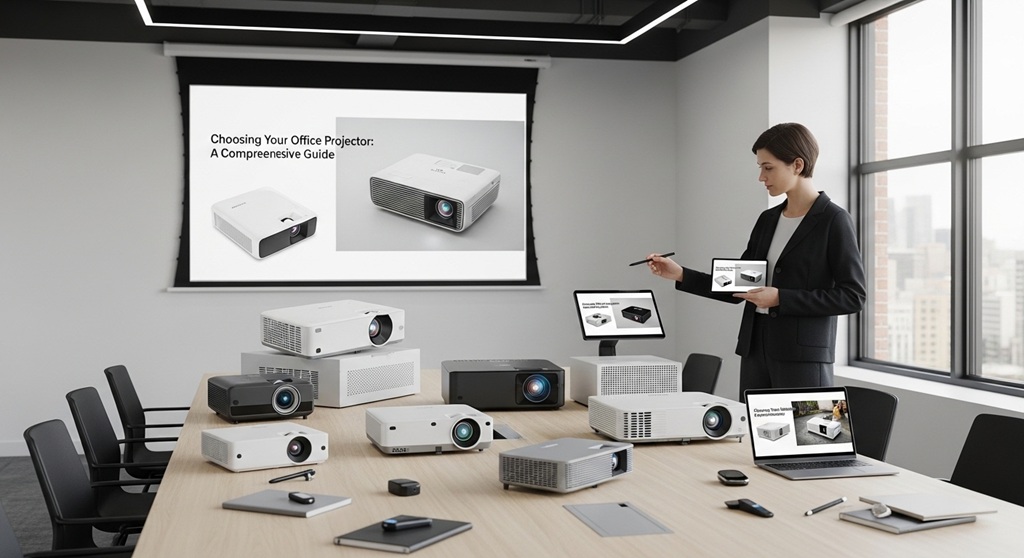
Short answer: Brightness determines whether your slides remain readable in normal lighting conditions.
Office presentations often happen during the day with lights on. If the projector is not bright enough, text appears faded or difficult to read.
Brightness is measured in ANSI lumens. The higher the lumen rating, the brighter the projection.
Consider the following example:
- A small meeting room with 6–8 people typically requires 2,500–3,000 lumens.
- A medium conference room requires 3,000–4,000 lumens.
- A large presentation room requires 4,000+ lumens.
Case Study Example
A technology consulting company in Singapore upgraded from a 2,200-lumen projector to a 3,800-lumen business projector. After the upgrade, employee feedback reported clearer slides and better engagement during weekly strategy meetings.
The company also reduced meeting delays caused by dim or unreadable projections.
This demonstrates why brightness should be a primary factor when selecting a projector.
How Does Resolution Affect Presentation Quality?
Short answer: Higher resolution ensures text, charts, and spreadsheets remain sharp on large screens.
In many presentations, detailed content such as financial data or graphs must be visible to everyone in the room.
If resolution is too low, text becomes blurry or pixelated.
Key Benefits of Higher Resolution
- Sharper text in spreadsheets
- Clear charts and infographics
- Better video playback
- Professional appearance during client presentations
Full HD projectors have become the standard for modern office presentation tools because they handle both slides and multimedia content effectively.
What Connectivity Options Are Essential for Office Projectors?
Short answer: The best office projectors support HDMI, wireless projection, USB input, and screen sharing.
Connectivity determines how easily team members can present their work.
Older projectors rely on VGA cables, which limit compatibility with modern laptops.
A good business projector setup supports multiple connection methods.
Essential Connectivity Features
- HDMI: Standard connection for laptops and desktops
- Wireless screen sharing: Allows cable-free presentations
- USB plug-and-play: Present directly from a USB drive
- Wi-Fi connectivity: Enables network-based presentations
Wireless projection is especially useful in collaborative meetings where multiple people need to present quickly.
Should You Choose a Portable or Fixed Office Projector?
Short answer: Portable projectors are best for flexible workspaces, while fixed installations work better for dedicated conference rooms.
Portable Projectors
- Lightweight and compact
- Easy to move between meeting rooms
- Ideal for startups and remote teams
Fixed Installation Projectors
- Mounted on ceiling or wall
- Higher brightness levels
- More stable long-term setup
Many companies combine both approaches: a permanent projector in the main conference room and portable units for smaller meeting areas.
How Does Throw Distance Affect Office Presentation Setup?
Short answer: Throw distance determines how far the projector must be from the screen to produce a clear image.
There are three common types of projector lenses:
- Standard throw
- Short throw
- Ultra short throw
| Type | Best Use Case |
|---|---|
| Standard Throw | Large meeting rooms |
| Short Throw | Small conference rooms |
| Ultra Short Throw | Mounted close to the wall |
Short-throw projectors are popular in modern business projector setups because they prevent shadows when presenters stand near the screen.
What Is the Ideal Projector Setup for Conference Rooms?
Short answer: A conference room projector should include 3,000–4,000 lumens brightness, Full HD resolution, wireless connectivity, and ceiling mounting.
Below is a simple configuration used by many offices.
- Ceiling-mounted projector
- 100–120 inch projection screen
- Wireless screen sharing system
- HDMI backup connection
This setup ensures meetings run smoothly without constant technical troubleshooting.
Modern office presentation tools increasingly integrate with video conferencing platforms, making projectors an important part of hybrid meetings
How Much Should Businesses Budget for a Good Projector?
Short answer: Most companies spend between $500 and $1,500 for reliable business presentation projectors.
Budget depends on features and room size.
| Price Range | Typical Features |
|---|---|
| $300–$500 | Basic projector, lower brightness |
| $500–$900 | Full HD resolution, good brightness |
| $900–$1,500+ | High brightness, wireless connectivity |
For most offices, mid-range projectors provide the best value.
Conclusion: How Can the Right Projector Improve Office Presentations?
Choosing the right projector is not just about display quality. It directly affects how teams communicate ideas and collaborate during meetings.
A reliable projector ensures that slides remain clear, charts are readable, and presentations run without technical interruptions.
To summarize:
- Select a projector with at least 3,000 lumens brightness
- Choose Full HD resolution for clear visuals
- Ensure multiple connectivity options
- Match the projector type to your meeting room size
- Consider wireless features for faster presentations
Businesses that invest in the right office presentation tools often experience smoother meetings and more effective communication.
CTA: Before your next projector purchase, evaluate your meeting room size, lighting conditions, and connectivity needs. A thoughtful business projector setup can significantly improve presentation quality and team productivity.
Frequently Asked Questions (FAQs)
What lumen rating is best for office presentations?
A projector with 3,000–4,000 lumens works well for most office meeting rooms. Larger rooms or bright spaces may require 4,000 lumens or more.
Is Full HD enough for business presentations?
Yes. Full HD (1920×1080) resolution provides sharp text and graphics for most office presentations, including charts, spreadsheets, and videos.
Do office projectors need wireless connectivity?
Wireless connectivity is not mandatory but improves convenience. It allows employees to present directly from laptops or mobile devices without cables.
How long do business projectors typically last?
Most projectors last 3,000–5,000 hours before the lamp requires replacement. Laser projectors can last up to 20,000 hours.
What size screen works best for office presentations?
Most conference rooms use screens between 100 and 120 inches. Larger rooms may require bigger projection screens for better visibility.
Are short-throw projectors good for meeting rooms?
Yes. Short-throw projectors are ideal for smaller rooms because they can project large images from a short distance and reduce shadow interference.
Can projectors replace large office TVs?
In many cases, yes. Projectors provide larger screen sizes at a lower cost compared with large commercial displays.
Read More Also: How to Build a Beginner Pasta Tool Kit (Must-Have Tools)
Find out: How to Grow Amazon Frogbit Successfully (Beginner Guide)
